IGNACIO VERGARA

For Founders

You built with AI and now you have a working product. That's real progress.

Getting a first version working and deployed used to take months and a full team. You did it faster than that, more efficiently, and it runs “just fine.” The thing with AI is that it doesn't think about the part that usually comes next: what happens once people start using it? Real people, not friends and family, not your team.

That part I can help with.

  • Learning what you're actually trying to solve
  • Analyzing how usable your product is today
  • Designing on years of practice, not on defaults

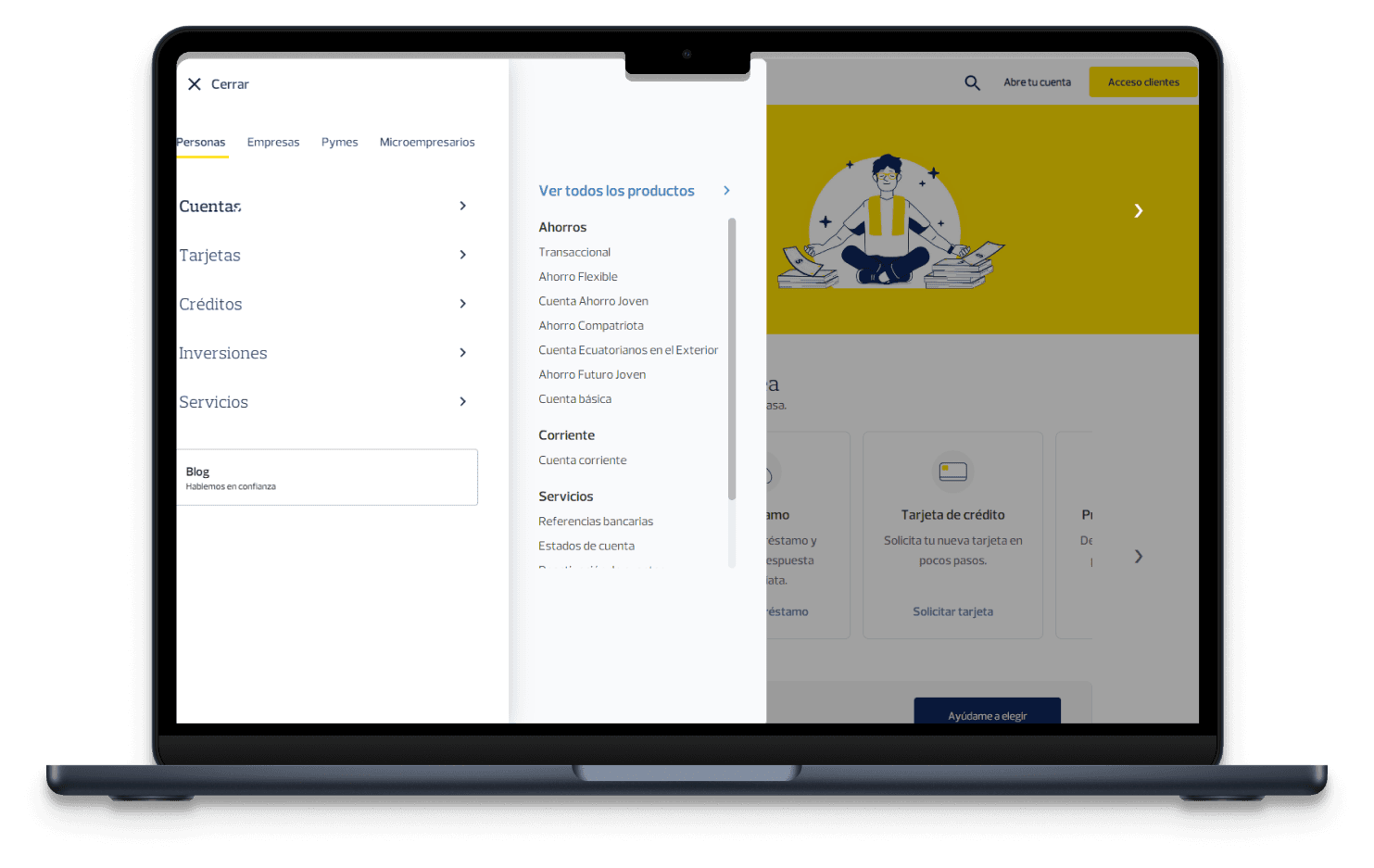
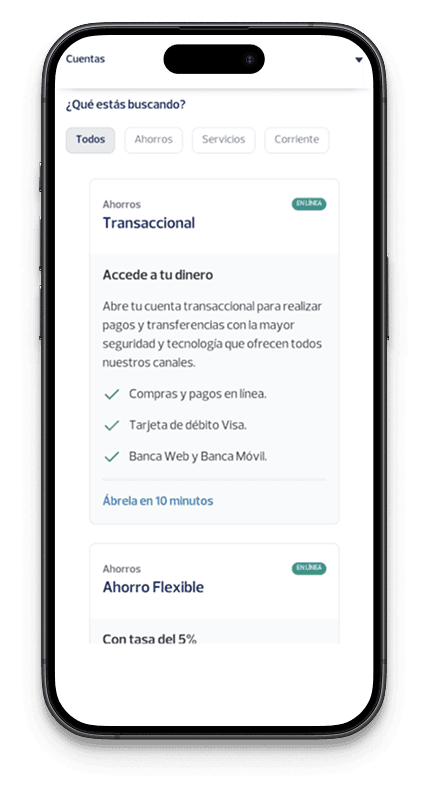
I spent four years designing for a bank. Millions of real people, real money, no room to get it wrong. Demos don't teach you that discipline. Real users do, and I've had four years of them.

It works. But somehow it doesn't feel right.

AI got you here fast, and I get it, that's great for the business. We all want that. A year ago you would have needed developers, a designer, and a few months to make it real. Now you can have something in a matter of weeks.

The problem is that everyone in your position does the same thing, and every first version ends up looking just like yours. Tools like Claude Code or OpenAI Codex were trained on the same patterns, so they reach for the same defaults if nobody tells them otherwise.

Same colors

Aa

Same text

Same layout

Same experience.

Think of it as a hotel room. Everything is there, nice and tidy, everything works and is where it should be, but somehow it doesn't feel like a house. It's not yours. And it's hard to build a company on something that doesn't feel like it belongs to you.

People can use it. What happens when complaints come?

AI is good at the version of your product where nothing goes wrong. The signup that completes. The empty state before anyone has touched it. The form filled in the way it's supposed to be filled in. That version is easy, and it's the one you see in every demo.

Real people don't stay on that path. They paste the wrong thing, they show up on a bad connection, they use the product for something you didn't build it for. AI can't design for that, because that part isn't generic, it's yours, it depends on your users and your data and the thing someone tries on day one that nobody thought to test. No model knows that yet. You only find out by watching real people use the thing.

How AI assumes people use your productHow people actually use it
How people move through a productA chart comparing two paths through five stages. The path AI assumes is flat and even. The path real people take dips at setup and first use before recovering.LandsSigns upSets it upFirst real useComes backon a bad connectionpasted the wrong thingused it for something else

It doesn't show up on launch day. It shows up three weeks later, in a support inbox, one confused message at a time. Nothing breaks loud enough to file a bug over. It just quietly costs you people, and you won't always know why.

And here's the part that's easy to ignore when you're moving fast: catching this before it ships is cheap. Catching it after, in front of users who already made up their mind about you, isn't.

I can tailor your solution to real people. AI designs for everyone, not your user.

AI is trained on every product that came before yours, so it designs for an average user, and that person doesn't exist. Not the one actually opening your product for the first time.

One real person, not an averageA figure at the centre of a ring, orbited by the things a real user brings with them: preferences, emotions, reasons, motivations, goals and limitations.

So I go through your product the way a new user would, not the way you already know it. I write down what's actually in the way, ranked by what it costs you. Then, if it makes sense, I fix it, hand your team something they can build from, and stick around while it ships.

Three ways to work together

Every product is at a different point. These are the shapes the work usually takes, but the call is where we figure out which one, if any, actually fits.

Design Review

What it is

A structured review of your product against usability heuristics, from the first screen to the last. Each flow is tested against real use cases built from your user profiles, so the issues found are the ones your actual users will hit.

What's included

  • Full walkthrough of your live product
  • Heuristic evaluation across your main flows
  • Annotated screens marking each issue where it happens
  • Issues ranked by what they cost you
  • A note on where problems are likely to surface next, as more people use it
  • Recorded walkthrough or working session with your team

What you get

A written report with annotated screens, a prioritized list of issues, and a recommended fix order with rough effort for each.

Timeline

One to two weeks

Core Flow Design

What it is

Full design of one flow, end to end. Every screen in the flow, plus the states most first versions skip: empty, loading, error, and the edge cases specific to your product and users.

What's included

  • Build-ready screens in Figma
  • Responsive states
  • Empty, loading, error, and edge case states for that flow
  • Design tokens for the flow, set up so your coding agents use them
  • Handoff session with your engineers
  • Availability for questions while it gets built

What you get

A Figma file your team can build directly from, with the tokens already structured for your AI tooling.

Timeline

Two to three weeks

Design Foundation

What it is

Design system built and documented in Figma, then connected to your coding agents so they build from your real design structure. Ongoing design work and review on top of it.

What's included

  • Component library and design tokens in Figma
  • Connection between your design files and your coding agents, so they build from real structure instead of screenshots
  • Written rules and context files that keep AI output consistent across your team
  • Design review on what your team ships
  • Documentation so your team can extend the system without me

What you get

A design system your team owns, wired into your AI workflow, with documentation to extend it.

Timeline

Flexible

Some teams need one flow fixed before a launch. Some want someone around every week. If none of these is the right shape, say so on the call and we'll work out something that fits.

Book a free call

What the first month looks like

  1. A call

    Thirty minutes. You show me the product and tell me where it hurts. I tell you whether design is what you need right now, including if the answer is no.

  2. A scope in writing

    I send what I'd do, what you get, how long it takes, and what it costs. Nothing starts until you've read it and agreed.

  3. The work

    I share progress as it happens instead of saving it for a reveal. You can push back early, while changing direction is still cheap.

  4. Handoff

    I walk your engineers through everything and stay reachable while they build. Questions come up during implementation. Answering them is part of the job.

Some examples of the work I've done

Ignacio Vergara

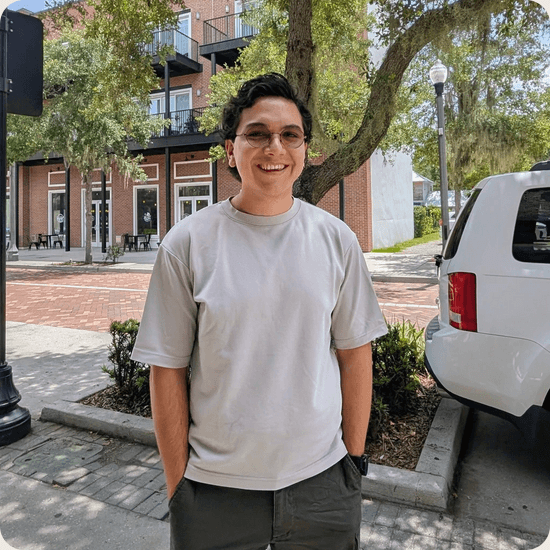
I'm a product designer from Ecuador, now in Tampa. I moved here for a master's in Digital Media at UCF and stayed.

I like early-stage products because the questions are still open. There's no committee, no legacy system to route around, and the person who decides is usually the person I'm talking to.

I build things on weekends, usually with more enthusiasm than planning. I read too much science fiction, I have opinions about ramen, and I'll trade anime recommendations with anyone who asks.

Ignacio smiling outdoors.

Before you book

It depends on scope, and a range this early would not mean much. After the first call I send a written scope with a price attached, so you know the number before you commit to anything.

Let's talk.

You show me what you have and I'll tell you what I think. If there's an opportunity to improve the design, the usability, or the overall experience, I'll say so on the call. Looking forward to making awesome things with you :)